So you've booked the flights, the visa is sorted, and only now does it hit you: you don't speak a word of Chinese, and the script looks like beautiful, total chaos. Take a breath. Thousands of monolingual English speakers travel China every year and have the trip of their lives. In 2026, the language barrier is no longer a wall. It's a speed bump, and your smartphone is the suspension.
The Reality on the Ground
Let's be honest about what you'll find. Outside of international hotels, major museums, and headline tourist sites, everyday English is limited. Your taxi driver, the noodle-shop auntie, the convenience-store clerk, the train-station guard — most speak little to no English, and they won't expect you to speak Chinese either.
But here's the part nobody tells you before they go: technology has quietly made this a non-issue. Menus are scannable, payments are a phone-tap, and real-time translation is genuinely good now. The people are overwhelmingly warm and patient with confused-looking foreigners. You will be fine. You will, in fact, have fun with it.
Your Translation Toolkit
Build this kit before you fly, because some of these apps are tricky to install once you've landed.
- Microsoft Translator — Your primary workhorse. It's free, covers text, camera, and voice, and crucially works in China without a VPN.
- Baidu Translate — Built by a Chinese company, so its output sounds natural and is more likely to be instantly understood. Excellent camera mode for menus and signs. Also VPN-free.
- Pleco — The legendary Chinese dictionary. Free tier covers 130,000 words, has live camera character lookup, handwriting input, and works fully offline once downloaded.
- Google Translate — Superb camera and voice, but it does not work in mainland China without a VPN. A backup only.
Pro tip: Download the offline English↔Simplified Chinese language pack in at least one app while you're still on home Wi-Fi. Subway tunnels, restaurant basements, and rural areas will eat your signal, and offline mode saves the day.
Camera Translation for Menus & Signs
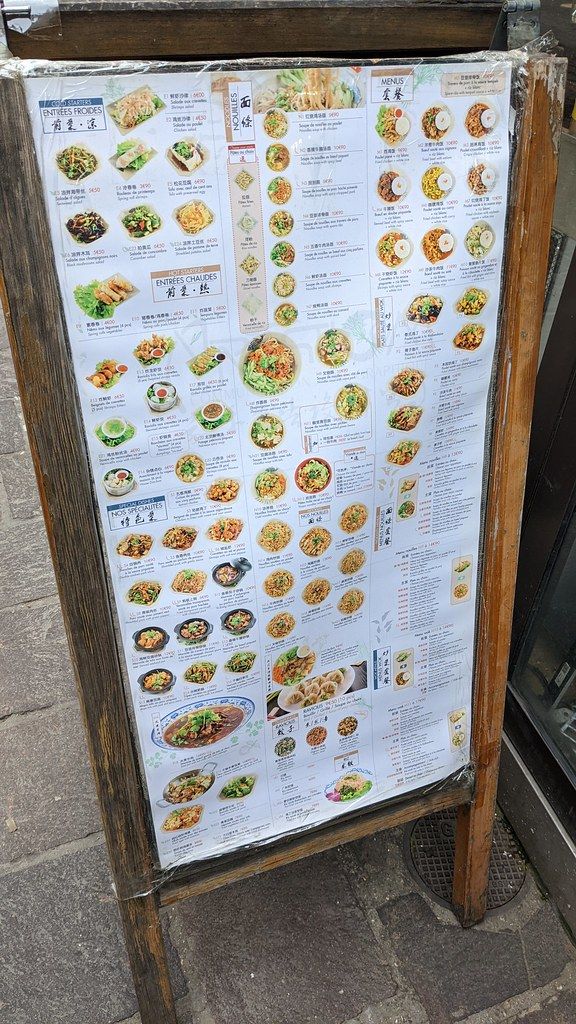
This is the single most magical feature you'll use. Open Microsoft Translator or Baidu, tap the camera icon, and point it at any Chinese text. The translation overlays directly onto your screen, replacing the characters in near real time.
Use it on menus, street signs, product labels, train-station boards, and medication boxes. Translations of food can be charmingly rough ("husband-and-wife lung slices" is a real and delicious dish), but you'll always get the gist, the protein, and the spice level.

Two-Way Voice Conversations
For anything beyond pointing, use conversation mode. In Microsoft Translator, tap the two-person icon: you speak English, your phone reads out fluent Chinese, then the other person speaks and you see their reply in English. Hold the phone between you and take turns.
Pro tip: Speak in short, simple sentences. "I am vegetarian. No meat. No fish." translates far more reliably than one long rambling request.
The Saved-Address Trick
This is the oldest trick in the China-travel book and it still works flawlessly. Save your hotel's name and full address in Chinese characters as a screenshot. When you check in, grab the hotel's business card.
Then, getting home is effortless: show the Chinese text to any taxi driver. No pronunciation, no pointing at a map, no stress. Do the same for each day's destination, and screenshot it in case you lose signal.
Ordering Food
Eating is the easiest part of all. Many restaurants have picture menus — just point. Increasingly, you'll scan a QR code at the table that opens a digital menu on your phone, where you order and pay without speaking to anyone. Run the QR menu through camera translation and you're set.
10 Essential Phrases (with Pinyin)
You don't need these, but a few words earn enormous goodwill.
| English | Chinese | Pinyin |
|---|---|---|
| Hello | 你好 | nǐ hǎo |
| Thank you | 谢谢 | xiè xie |
| Goodbye | 再见 | zài jiàn |
| Yes / Correct | 对 | duì |
| No / Don't want | 不要 | bù yào |
| How much? | 多少钱? | duō shǎo qián? |
| Excuse me / Sorry | 不好意思 | bù hǎo yì si |
| I don't understand | 我不懂 | wǒ bù dǒng |
| Where is the toilet? | 厕所在哪里? | cè suǒ zài nǎ lǐ? |
| Delicious! | 好吃! | hǎo chī! |
Navigating the Metro
Big-city subways are a tourist's best friend. In Beijing, Shanghai, Guangzhou, Shenzhen, Chengdu, Xi'an and more, signage and announcements are fully bilingual. Station names, line maps, exit signs, and on-train displays all appear in English. Buy fares via touchscreen ticket machines (with an English toggle) or simply tap in with your phone.
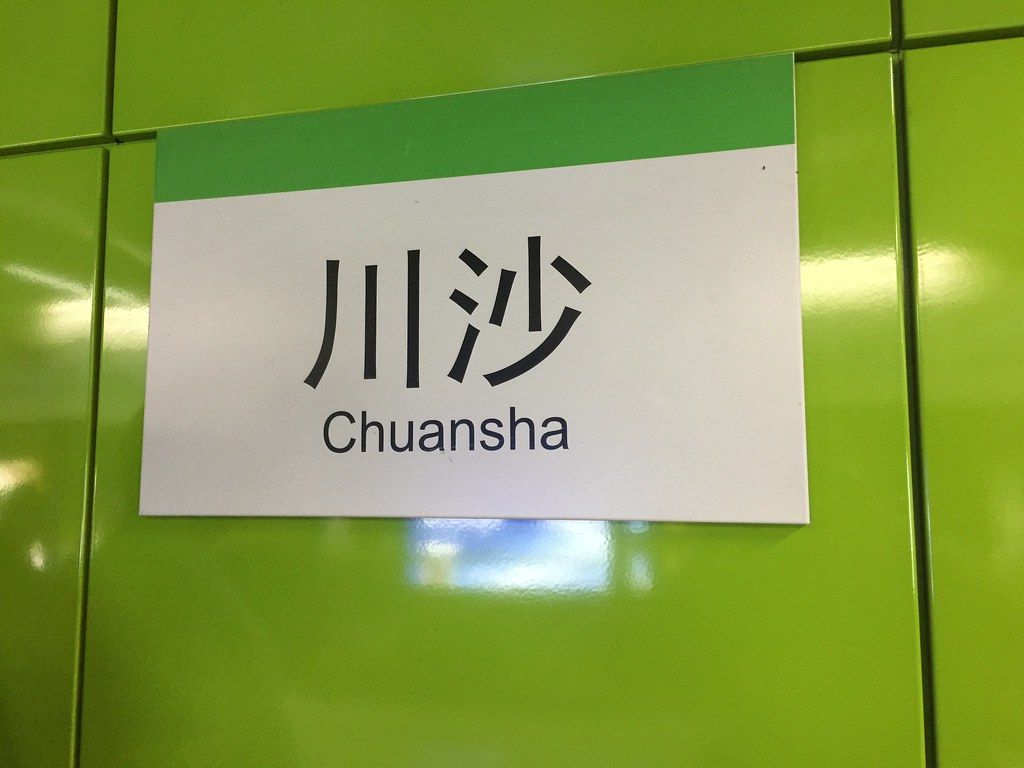
Pro tip: In smaller cities, English signage thins out. Screenshot your destination station name in Chinese and show it to staff, who can point you to the right platform.
The Etiquette of Communicating
A little grace goes a long way. Smile, be patient, and lead with "nǐ hǎo." Hold your phone so the other person can see the screen — it's a shared tool, not a barrier. Don't speak louder; speak simpler. Accept that things will occasionally go sideways, laugh it off, and remember that locals are often as curious and delighted to meet you as you are to be there.
Pre-Trip Checklist
- [ ] Install Microsoft Translator and Baidu Translate (work without a VPN)
- [ ] Install Pleco for offline dictionary lookups
- [ ] Download the offline English↔Chinese language pack
- [ ] Set up an eSIM or roaming plan before arrival
- [ ] Save your hotel address in Chinese characters as a screenshot
- [ ] Test camera translation on any Chinese label at home
- [ ] Learn the top 5 phrases (nǐ hǎo, xiè xie, duō shǎo qián, bù yào, cè suǒ)
- [ ] Set up WeChat Pay or Alipay for cashless payments
- [ ] Screenshot your metro line and destination stations
You've got this. Pack the apps, pack a smile, and go.